Autonomous security operations using robots and drones
Perimeter, infrastructure and inspection from one response workflow.
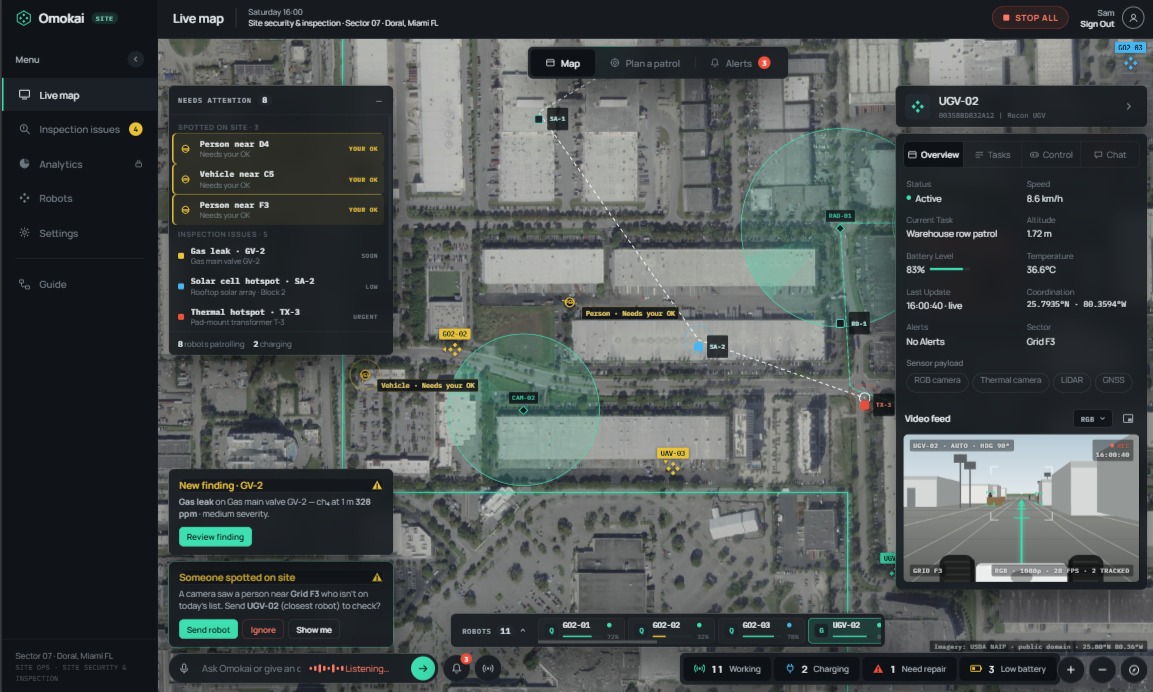
Discuss your security platforms, operating constraints and acceptance criteria with Omokai. Compatibility and performance need to be evaluated for your environment.
01 · The problem
Losses, risk and regulation are rising together.
Sites and obligations keep growing while the guarding workforce does not. Omokai is built for that gap.
- ~$725M
- US/Canada cargo theft, 2025
- 88.6%
- US security staff turnover, 2024
- 2x
- Guard fatality rate vs average worker
- 80%
- Providers expecting AI as standard
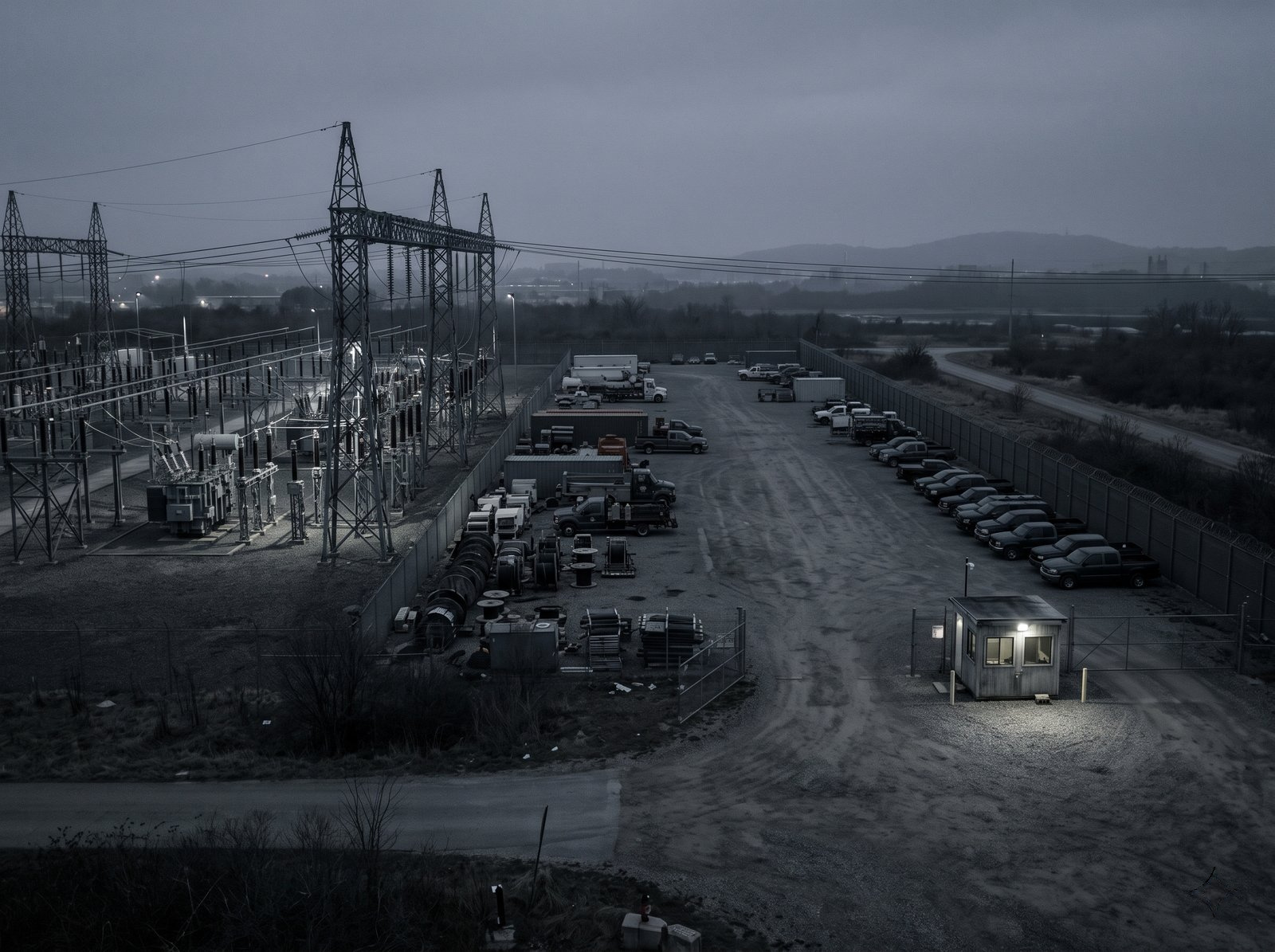
Losses are rising
US/Canada cargo theft reached nearly $725M in 2025, up 60% on 2024.
Guards carry the risk
Security guards die on the job at more than twice the average worker rate; nearly two-thirds of those deaths come from assaults and violent acts.
Obligations are now law
Germany's KRITIS-Dachgesetz (in force since 17 March 2026) sets nationwide physical-resilience duties for critical facilities. Germany's NIS2 implementation law has applied since December 2025.
Buyers expect AI
80% of security providers expect AI to become standard within 2 to 3 years, and name integration with existing systems as an obstacle.
Sources: Verisk CargoNet (Jan 2026); UC Berkeley Labor Center (2026); BBK; Lünendonk-Studie 2026.
02 · The answer
From alarm to authorised response, across mixed fleets.
Omokai connects your sensors and alarms to robots and drones from supported vendors, proposes a response and keeps an operator in the loop. Compatibility, coverage and response behavior need to be evaluated for your site.
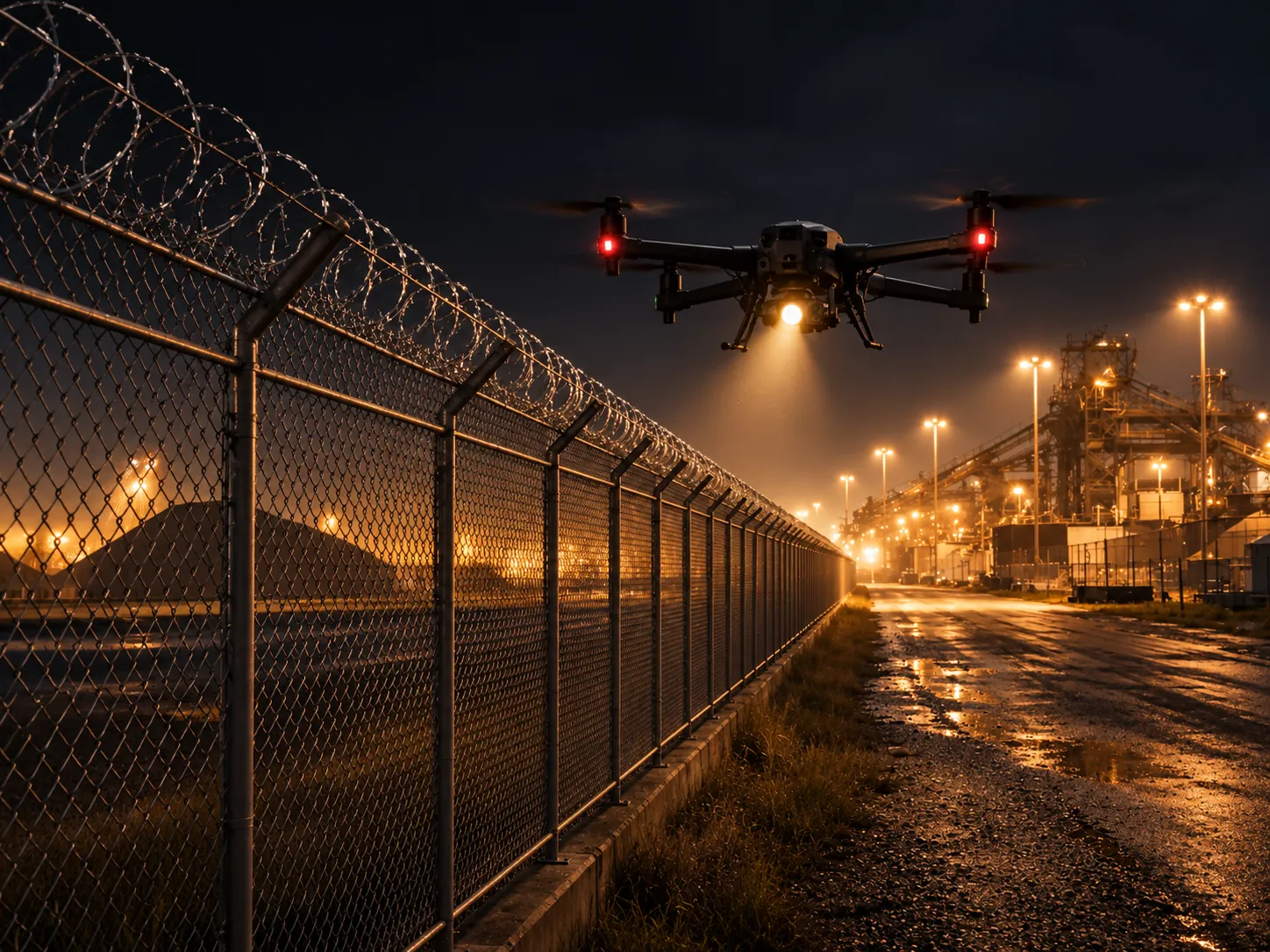
Alert to action
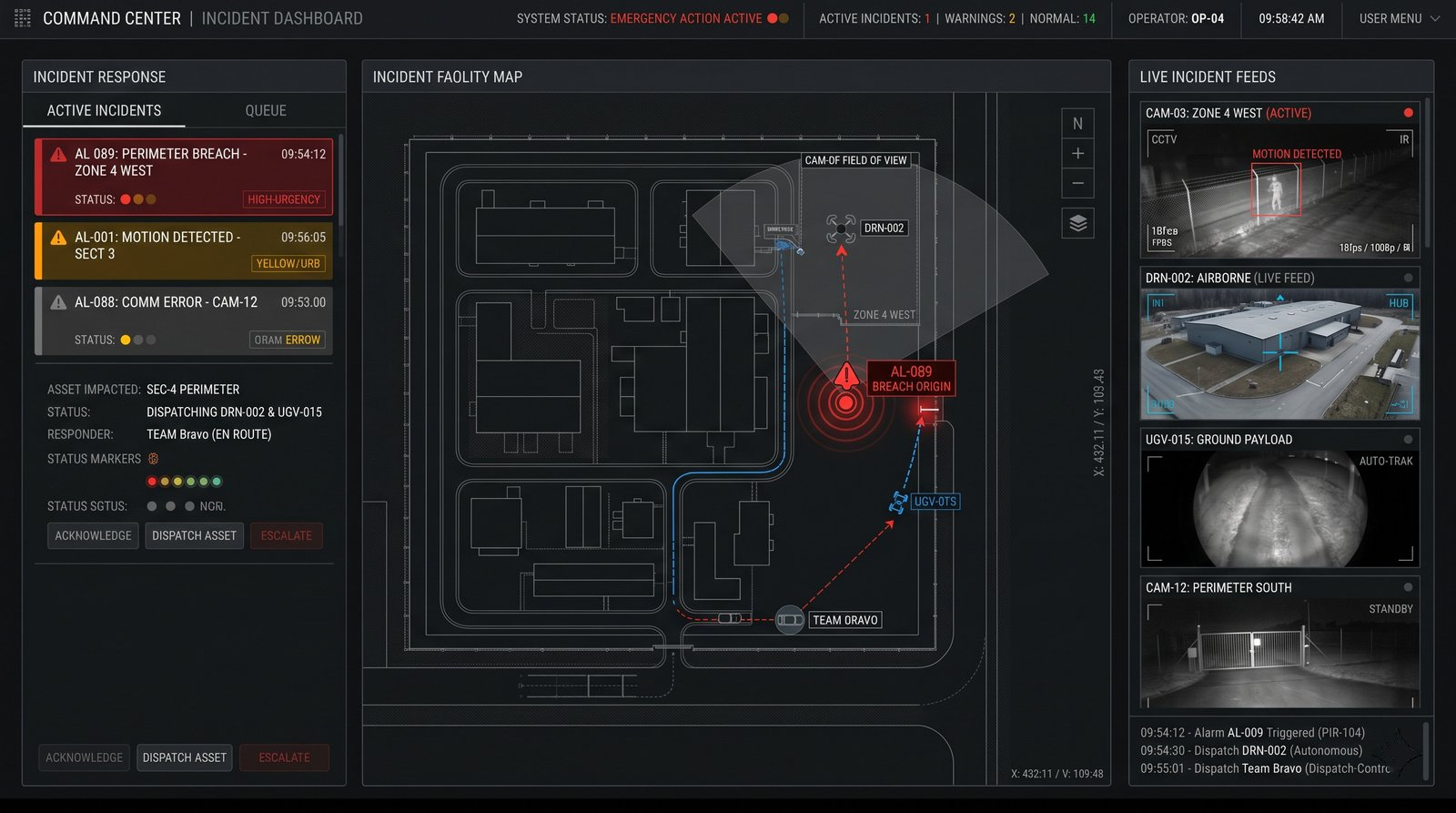
A camera, radar or access-control event starts an authorised response. Omokai proposes the assets; an operator approves.
Scheduled patrols
Schedule autonomous patrol and inspection missions across land, air and sea, such as "Patrol Sector C at 2:00 AM on Sunday."
Mixed fleets, multiple sites
Command robots and drones from different vendors, and oversee several sites, from a single interface.
Evidence and reporting
Review past operations and generate incident reports from logged mission data.
03 · The first response
Let machines be the first responder to any alert.
A camera, radar or access-control event starts an authorised response. Omokai proposes the assets, an operator approves, and the evidence lands in the system you already use.
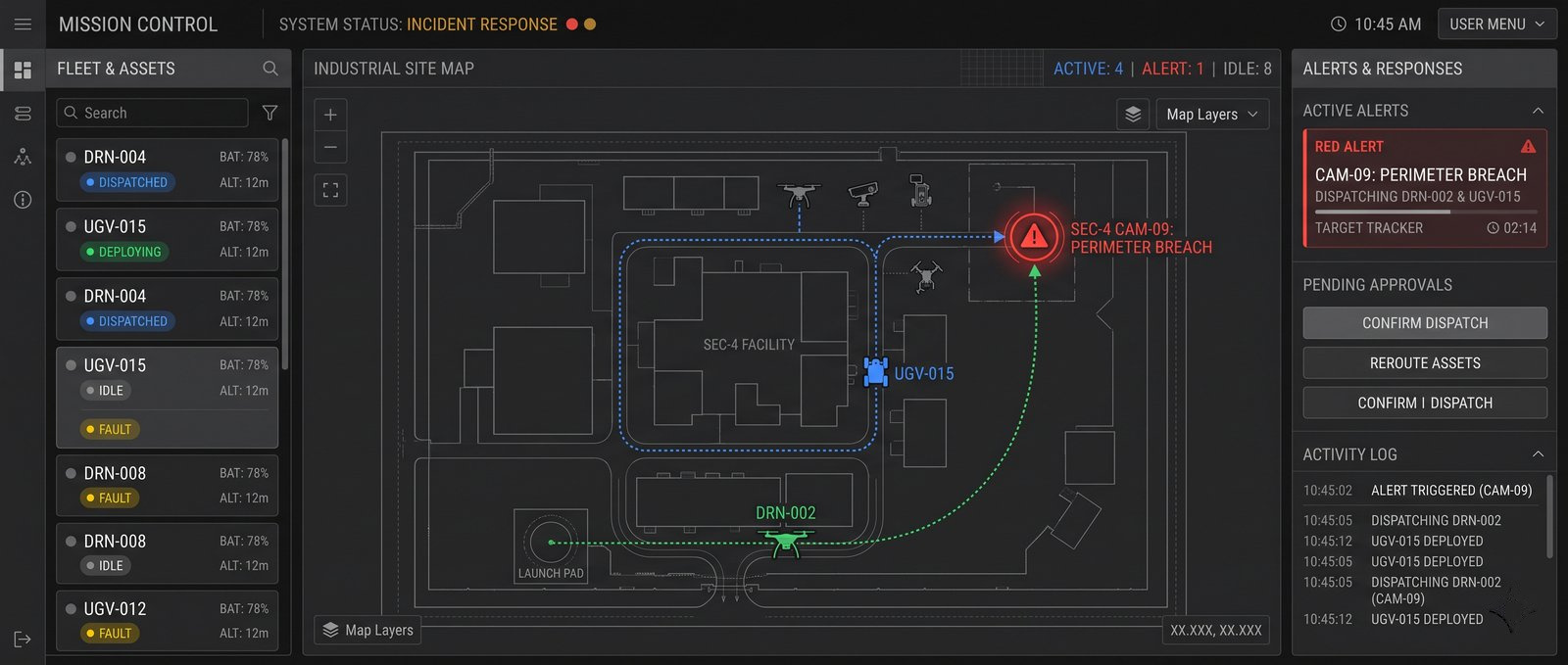
Example"Camera 14 flags movement."
- 01
Alert
A sensor or camera detects movement after hours.
- 02
Assign
The operator authorises a ground-robot inspection; an approved drone may add a second view.
- 03
Verify
Robot video and readings confirm the situation or flag an exception.
- 04
Close
Evidence is stored in the VMS incident; guards are called if needed.
Guards handle physical intervention. Omokai handles observation, dispatch and documentation.
04 · How every mission runs
Simple instructions become an approved mission.
Every evaluated mission follows the same loop, from a plain-language objective to a verified, logged outcome returned to your C2.
Example instruction"Inspect the north perimeter and report any change."
- 01
Understand
Omokai interprets the objective and the actions it requires.
- 02
Assets and plan
Eligible and best-suited UxVs are identified, guardrails and policies are applied, and the mission is planned.
- 03
Authorize
An operator approves the plan before dispatch.
- 04
Execute and report
The mission is orchestrated, outcomes are verified and logged, reports are generated, and exceptions are escalated.
05 · What you can add
One core, plus packs as needed.
Works in Mission Control and Embedded. Switch packs on for the whole fleet or only for selected machines.
Omokai Core
- Adapters
- Mission engine
- Policy and audit
- APIs
- Mission model
- Asset and capability registry
- Omokai Mission Control: our interface
- Omokai Embedded: inside your VMS, C2 or GCS
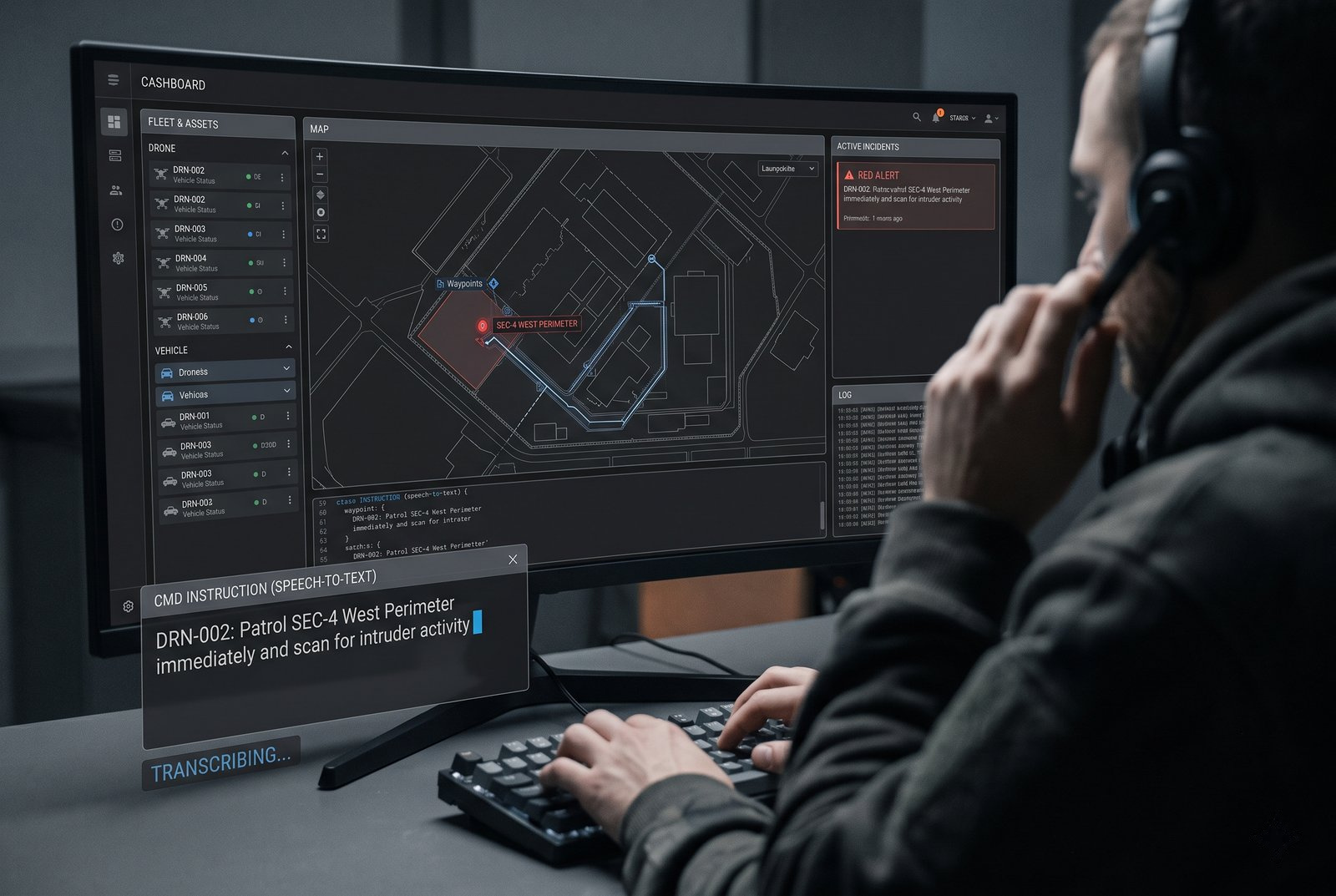
Natural language tasking Natural language
Task missions by text or voice.
Fleet coordination Fleet coordination
Drones, ground robots and sensors on one mission.
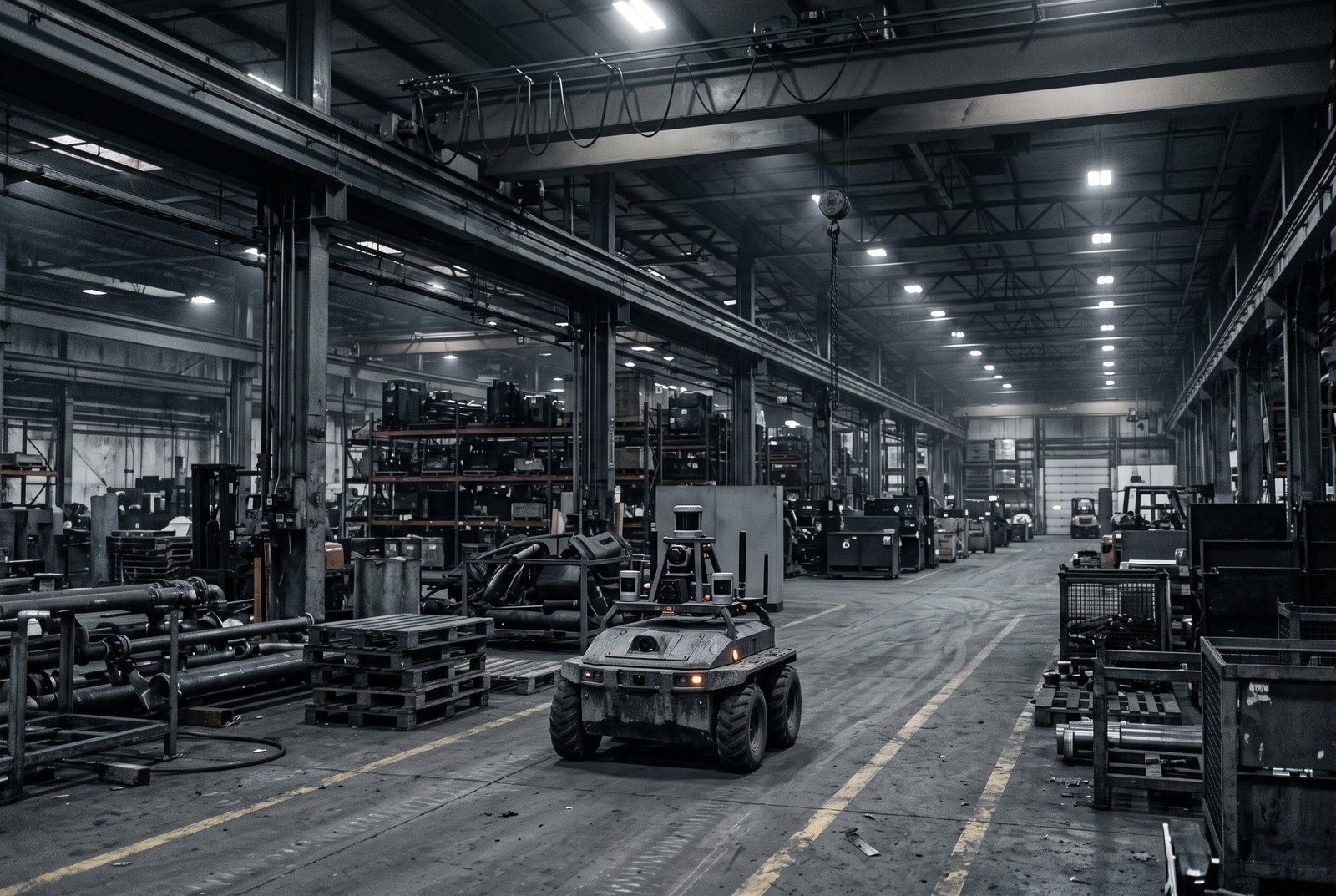
GPS-free navigation GPS-free navigation
Indoors, under structures and where GPS is weak.
Digital twin In pilotDigital twin
Rehearse missions on a site twin first.
06 · How you run it
Two ways to run Omokai.
Add fleets from supported vendors through your C2 or ours. Both products run on the same Omokai Core and capability packs.
Product 01
Omokai Mission Control
Omokai's interface for mixed-fleet autonomous missions.
Our C2 for teams that lack an orchestration interface: task, approve, track and report in one place.
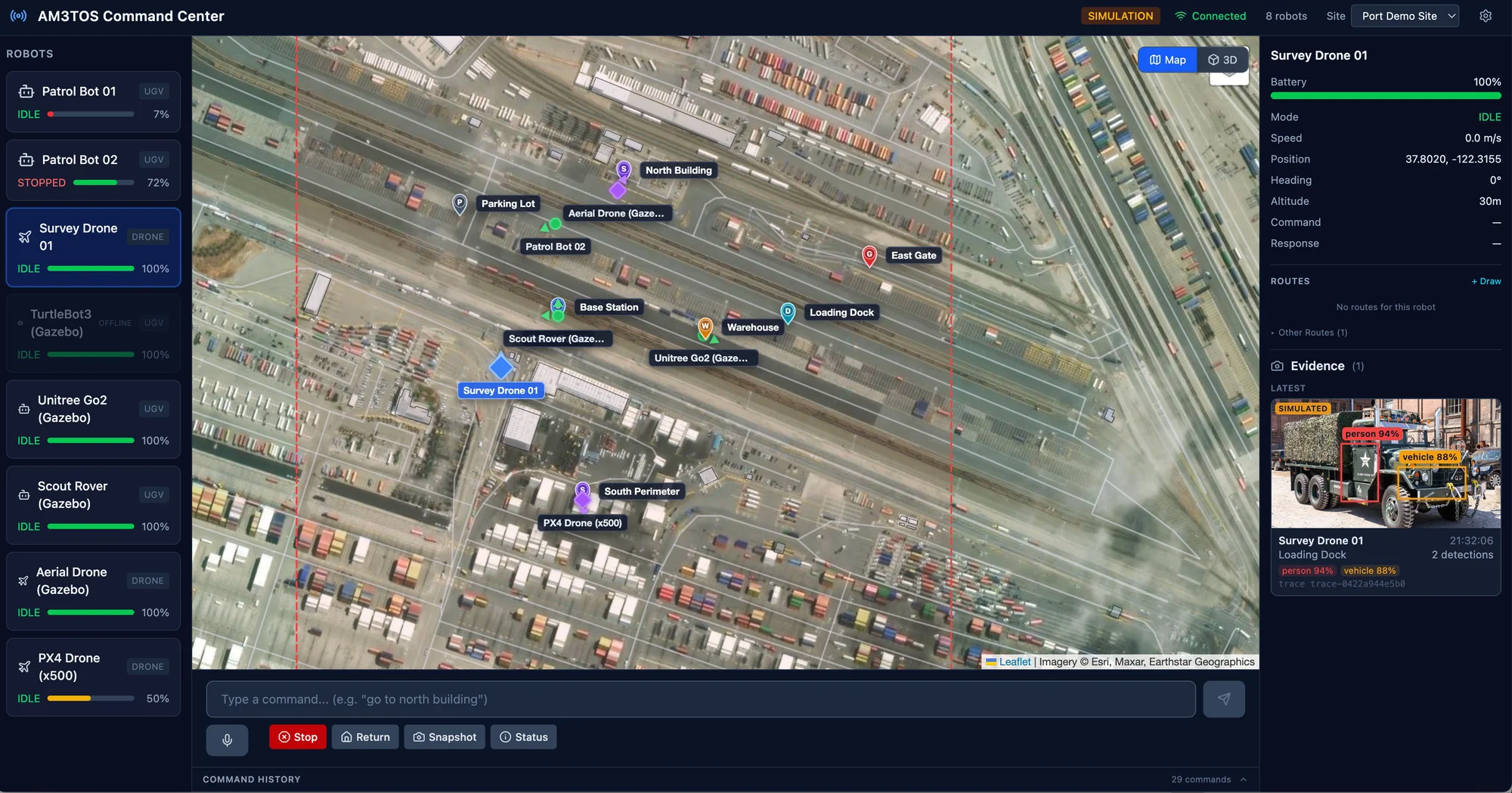
Autonomous operations
- Plan patrol and inspection routes.
- Run autonomous defense missions.
- Natural language native.
Event to action
- An event or alert fires and an asset is dispatched, autonomously or by operator-defined action.
- Integrated with alarm panels, VMS and access control.
Mixed fleets, multiple sites
- Manage multiple sites from a single interface.
- Command and control multiple robots and drones.
Evidence and reporting
- Analysis of past operations.
- Automated report creation for incidents.
Product 02
Omokai Embedded
Plug in once. Connect every vendor. Add capabilities where you need them.
Mission orchestration inside the customer's C2 or GCS, so operators keep the workflow they already use.
Prime's existing C2 / BMS
- Operating picture
- Tasking
- Video
Omokai Embedded
Mission layer, headless inside the C2
Prime's own fleet
Already in the C2
- UAV
- UGV
- Fixed sensors
SME vendors
Each integrated once, via adapter
- UAV · Vendor A
- UGV · Vendor B
- USV · Vendor C
- Sensors · Vendor D
Partner primes
Where access is agreed
- Partner C2 / GCS
- Partner UAVs
- Partner UGVs / USVs
- /01
Plug in
Runs headless inside the prime's C2. No new console.
- /02
Connect
One adapter per vendor. All assets work as one team.
- /03
Extend
Enable capability packs for the whole fleet or selected machines.
- SwarmWhole fleet
- Auto targetingSelected UAVs
- Natural language taskingOperators and assets
Omokai Core
- Autonomous mission engine
- Asset registry
- Adapters
- Policy and audit
- APIs
Capability packs
- Natural language control
- Swarm
- Auto targeting
- GNSS-denied navigation
07 · Why it lasts
Make your operations simple, scalable and future proof.
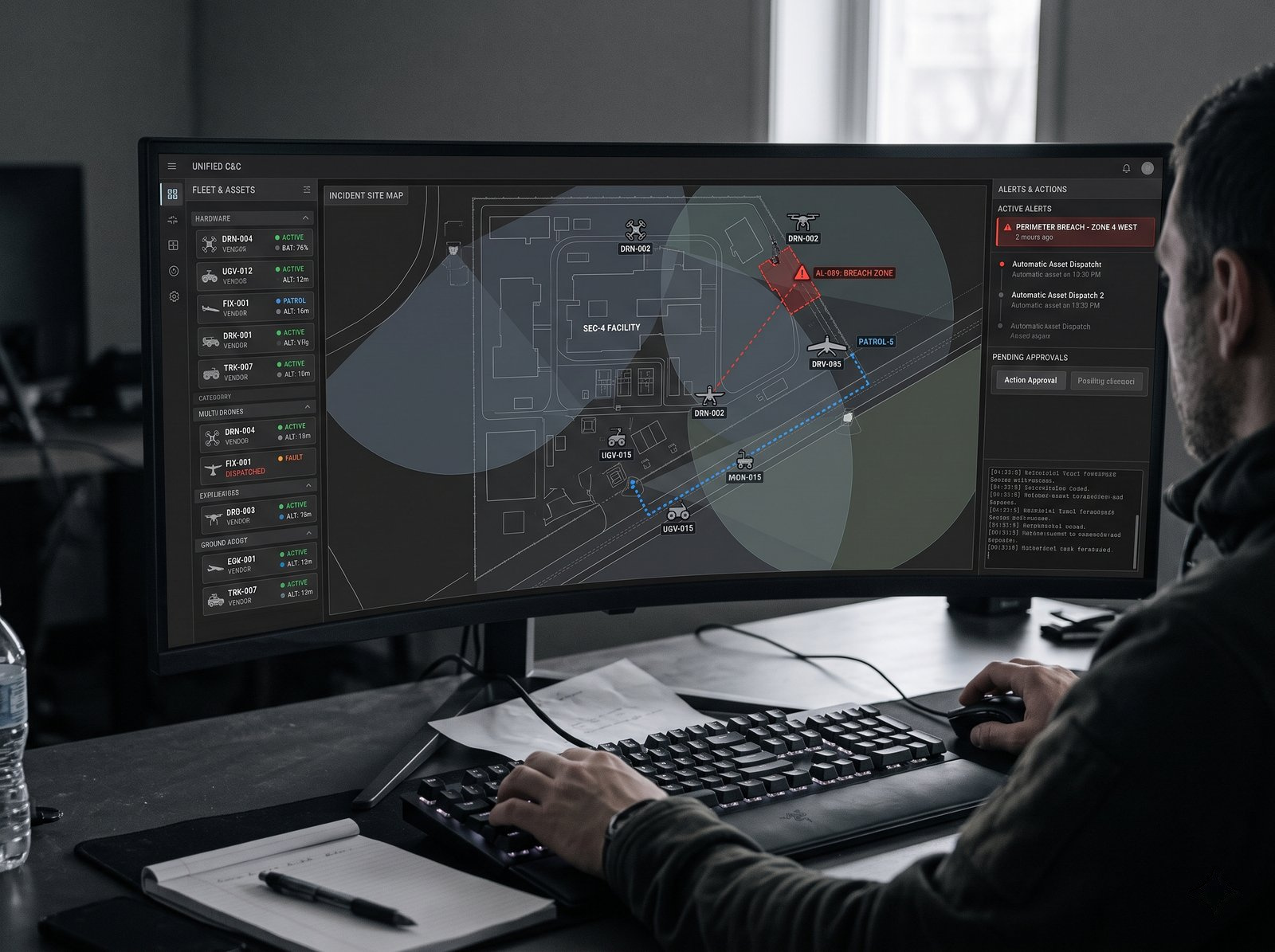
One mission layer that stays yours while machines, vendors and sites change underneath it.
- Freedom
Swap machines, keep operations
No vendor lock-in. Upgrade, replace or re-tender machines without procurement hassle, rebuilding workflows, retraining operators or changing your security operating system.
- Action
Go where cameras can't
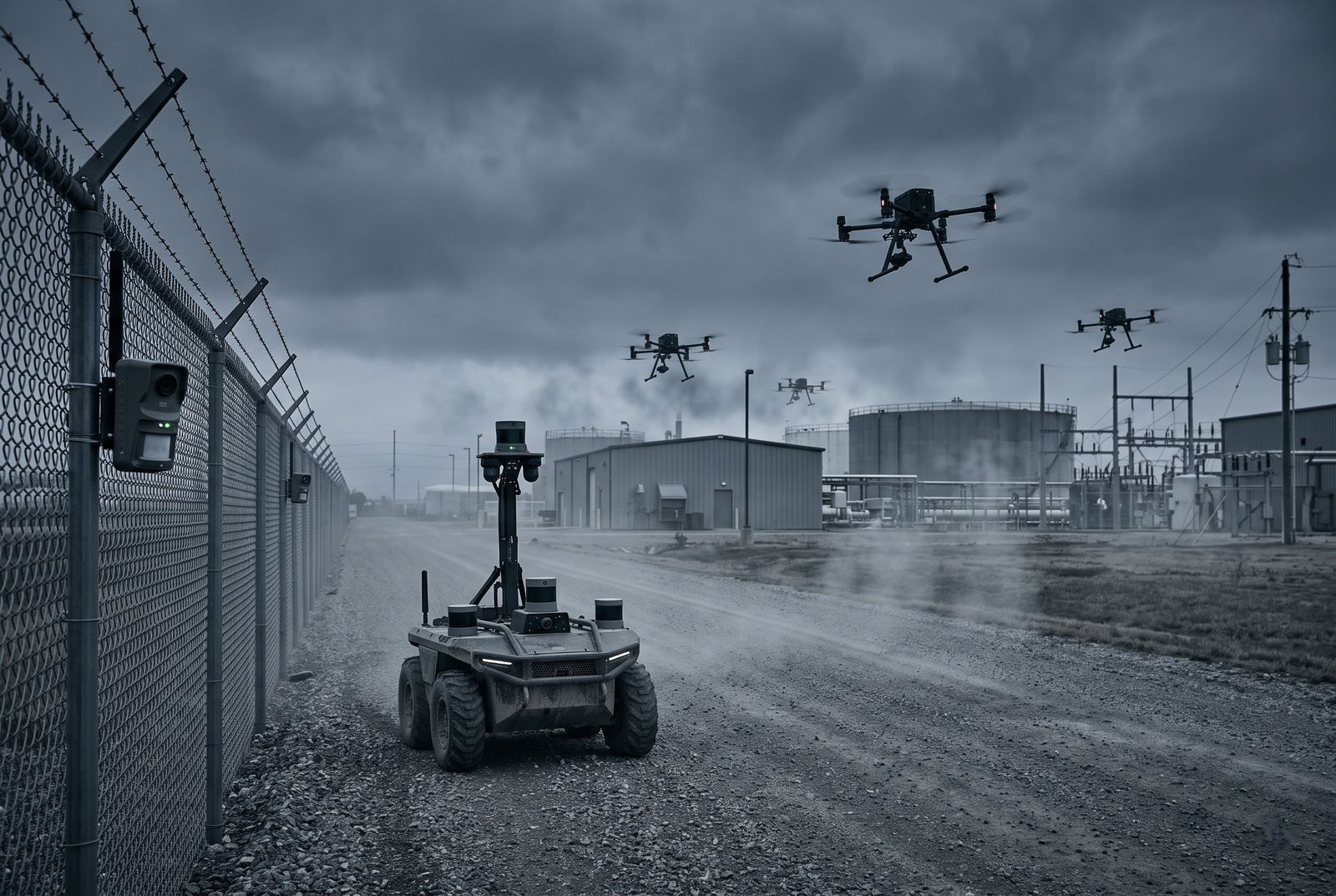
Omokai dispatches mobile assets to investigate, change viewpoints, verify events and take actions while keeping operators safe and documenting the evidence.
- Simplicity
One operational picture
Run your operations through a single map and mission layer. Omokai manages and coordinates missions across multiple robots and drones for all your operational needs.
- Control
Own your data and operations
Run Omokai at the edge, on-premise or in your cloud. Keep control of mission logic, operational data and deployment architecture, independent of hardware vendors.
08 · Where it applies
Security evaluation across site types.
Each sector needs a review of its assets, risks and operating constraints.
Energy and utilities
Substations, power lines and generation sites.
Oil and gas
Pipelines, refineries and remote wellheads.
Data centers
Perimeter patrol and infrastructure checks.
Ports and maritime
Quays, terminals and coastal approaches.
Logistics hubs
Yards, warehouses and parking areas.
Mining and construction
Large, changing sites with limited staff.
Public safety
Emergency response and incident monitoring.
Corrections and detention
Perimeter security and contraband detection.
09 · What you can verify
Define security acceptance criteria.
Customers need to know where data lives, who can see it and what the system did.
Transport security review
Review encryption requirements and evidence for each video and control connection before deployment.
Data residency and access
Agree data location and access requirements, and verify the proposed configuration.
Audit coverage review
Specify which dispatch, approval and operator events must be recorded, then test coverage and retention.
Deployment assessment
Discuss cloud and on-premises requirements; availability and suitability must be confirmed during evaluation.
Discuss a response workflow for your site.
Tell us about your site and systems so we can discuss feasibility, scope and acceptance criteria.