Autonomy for unmanned fleets at scale
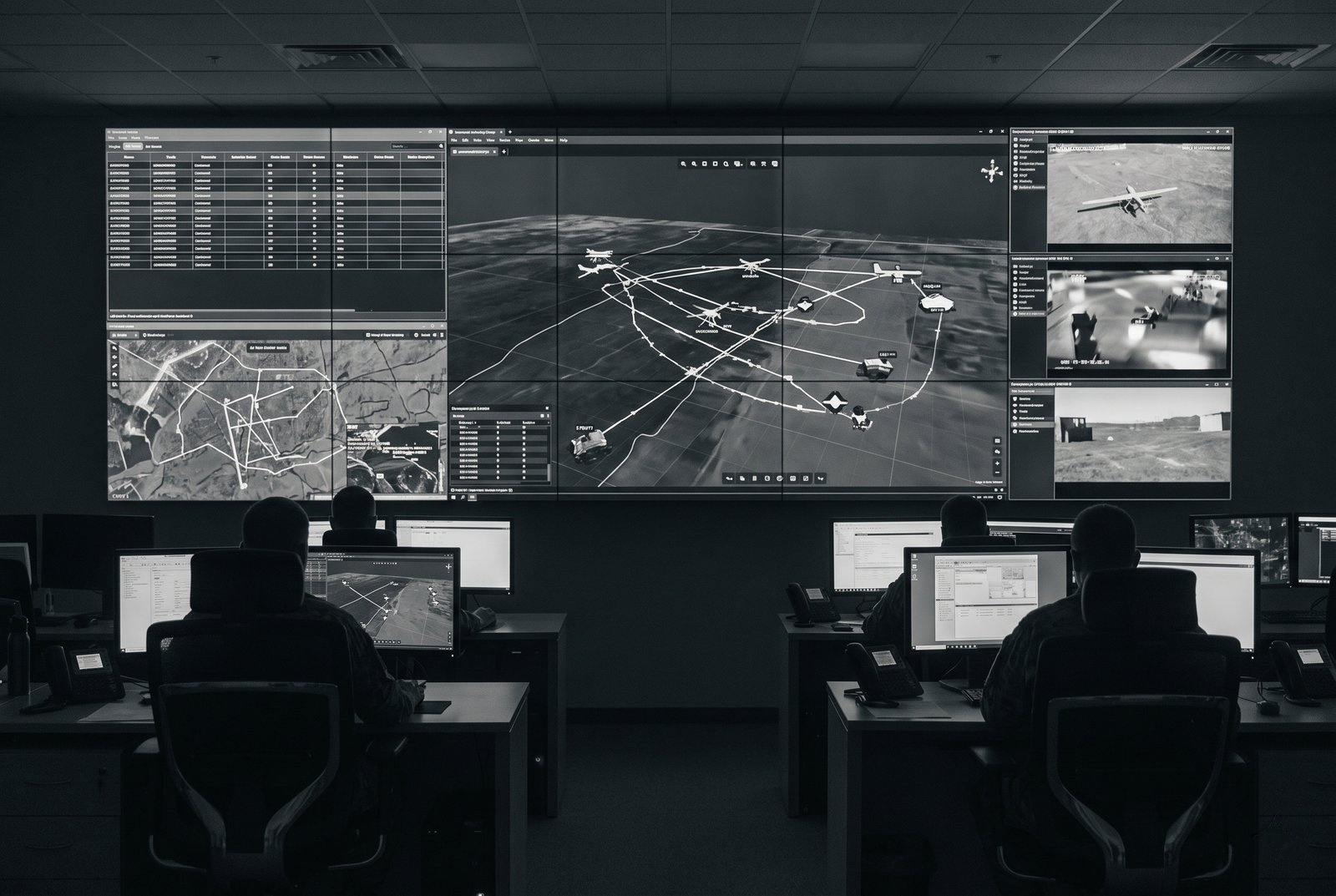
Run land, air and sea missions in a coordinated way using Omokai.
Discuss your defense platforms, operating constraints and acceptance criteria with Omokai. Compatibility and performance need to be evaluated for your environment.
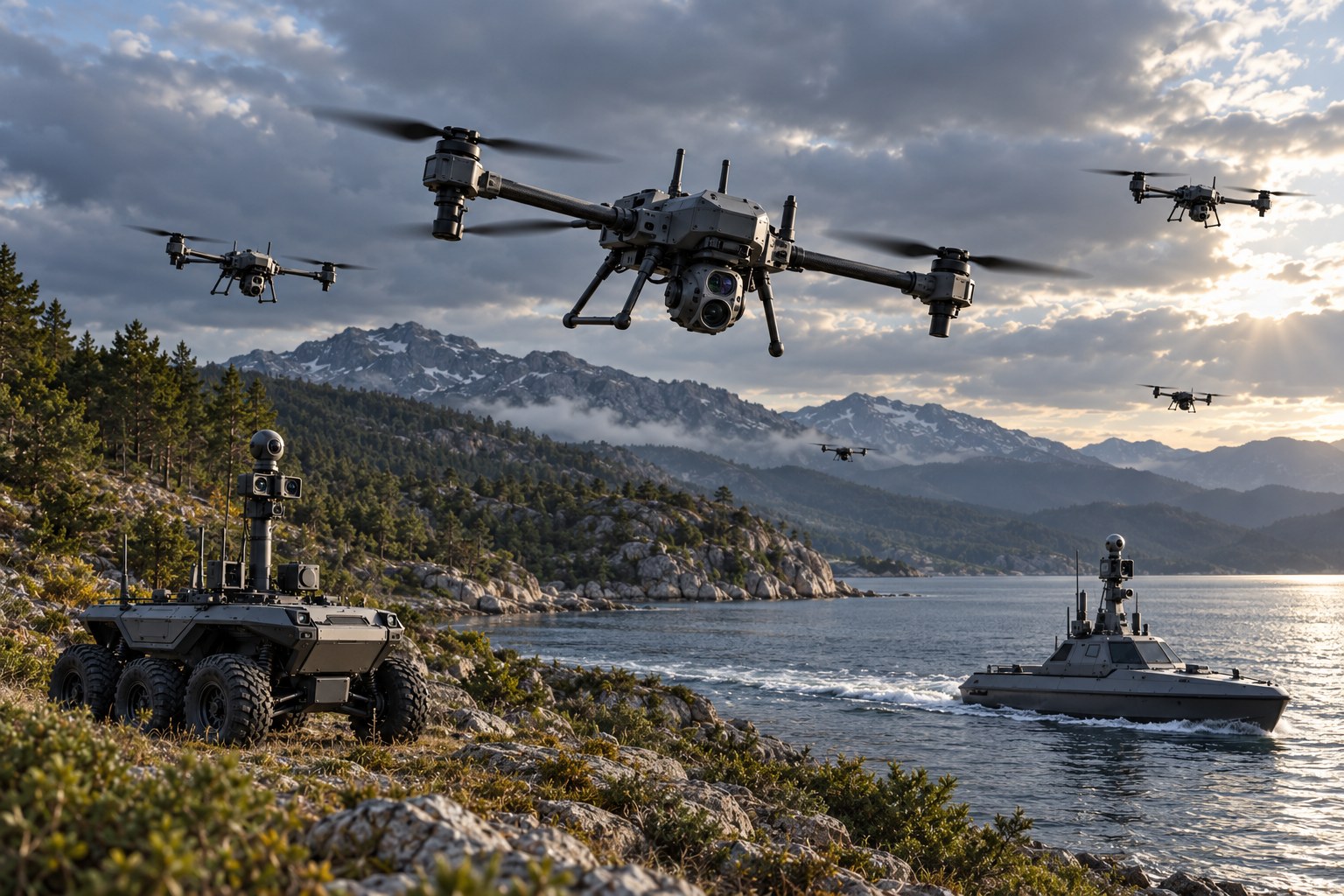
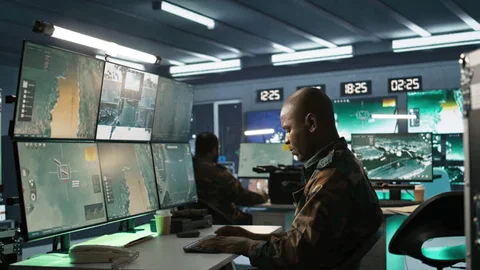
Defense
Explore autonomy requirements for defense fleets.
Discuss your platforms, command systems and operating constraints. Compatibility and performance must be assessed for each proposed integration.
Core capabilities
Navigation under GNSS disruption
Evaluate navigation requirements under GNSS disruption; mission completion in jammed or spoofed conditions is not a verified capability.
Swarming and teaming
Explore coordination and re-planning requirements for a defined set of platforms and failure scenarios.
Edge autonomy
Assess connectivity limits, local processing needs and recovery behavior before defining an edge deployment.
C2/C3/C4 integration
Review interfaces and integration effort with your command-system and platform teams.
Example missions
Three ways to task a mixed fleet.
Each mission type runs the same loop, from intent to a verified outcome returned to your C2. Supported platforms and behavior are confirmed per evaluation.
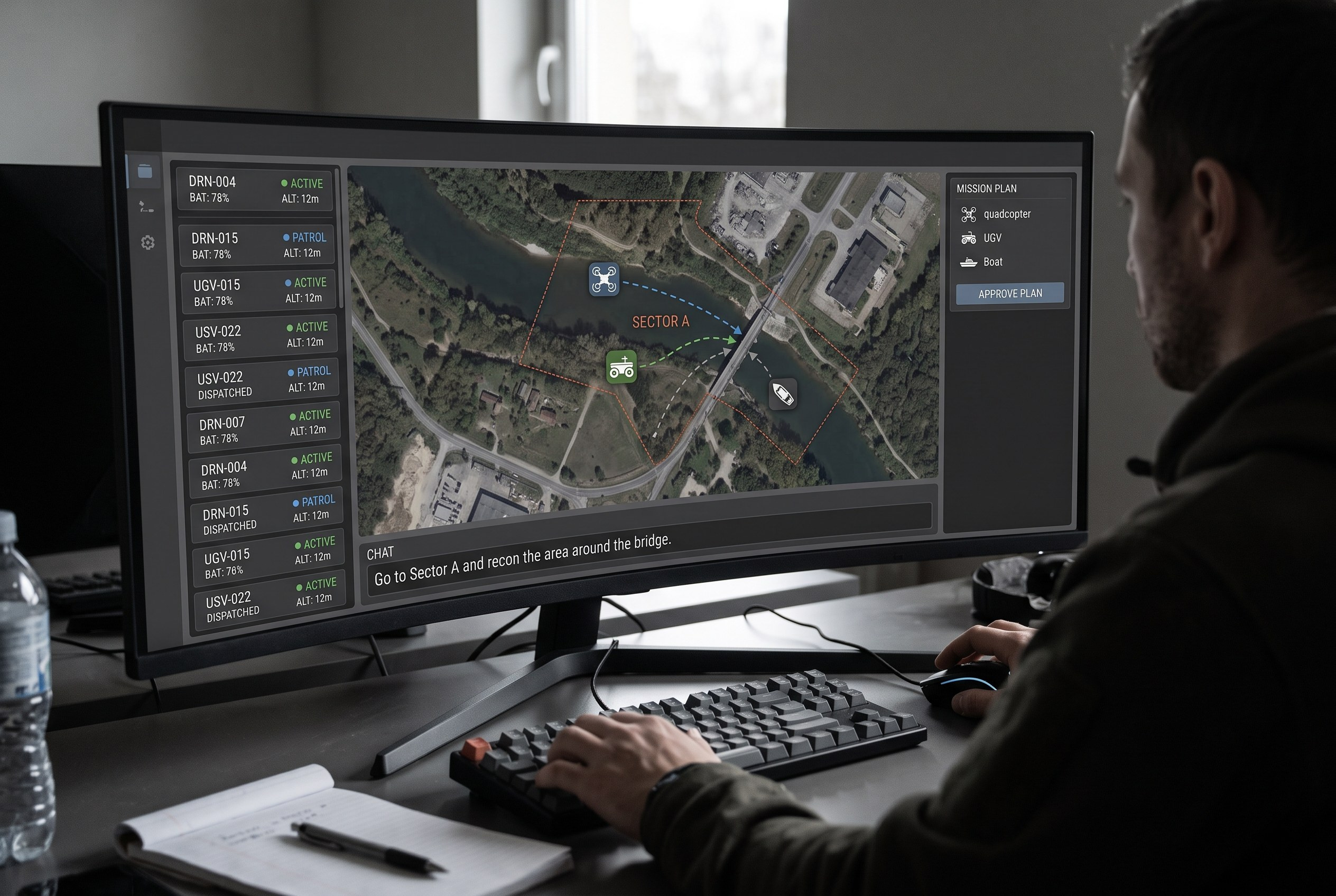
01 · Direct tasking
"Go to Sector A and recon the area around the bridge."
One instruction, several vendors
Assets from different vendors coordinate on a single mission. Omokai matches eligible assets by capability and proposes a plan for approval.
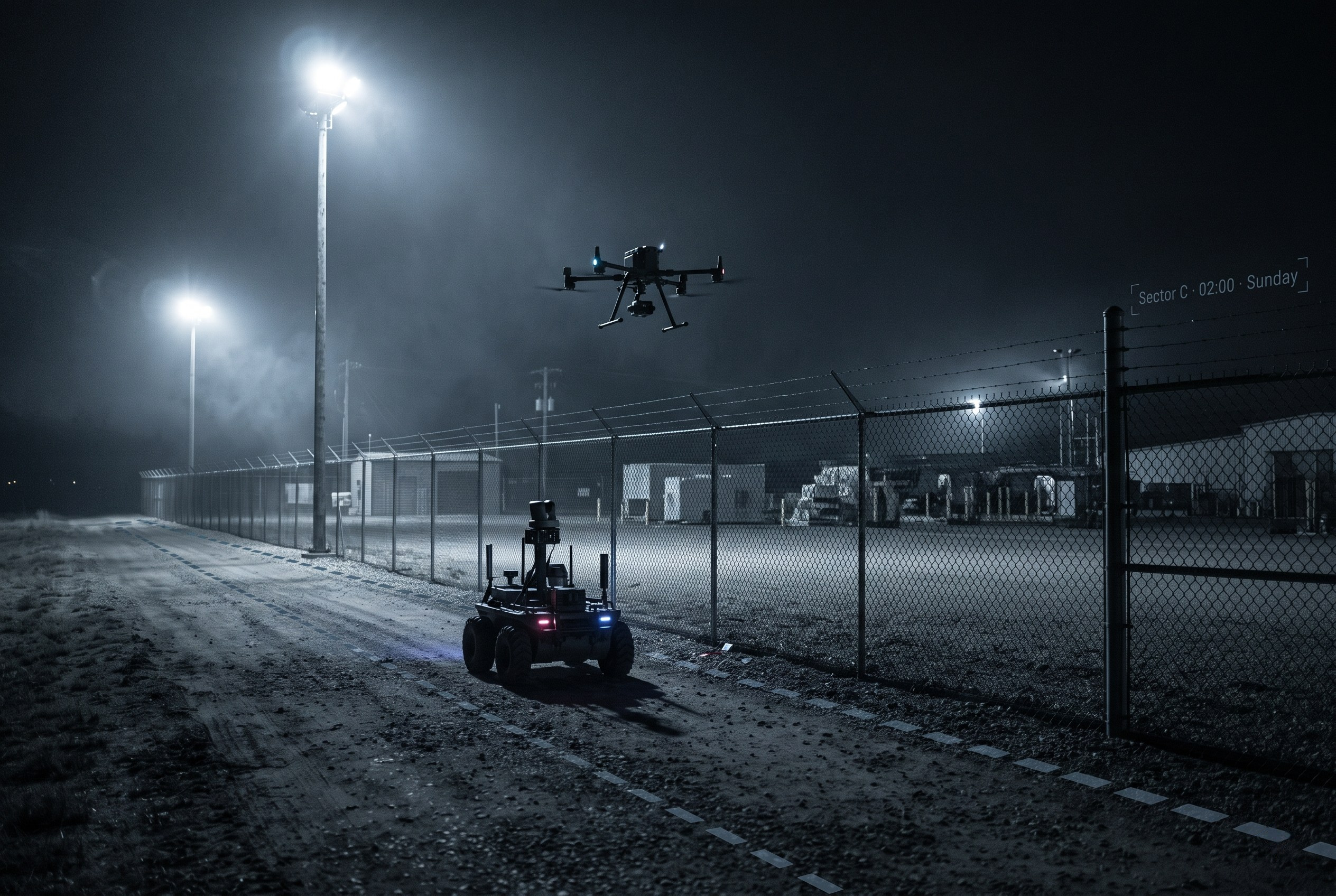
02 · Scheduled missions
"Patrol Sector C at 2:00 AM on Sunday."
Recurring patrols across land, air and sea
Schedule autonomous missions in advance. Each run is planned, approved under your policies and logged for review.
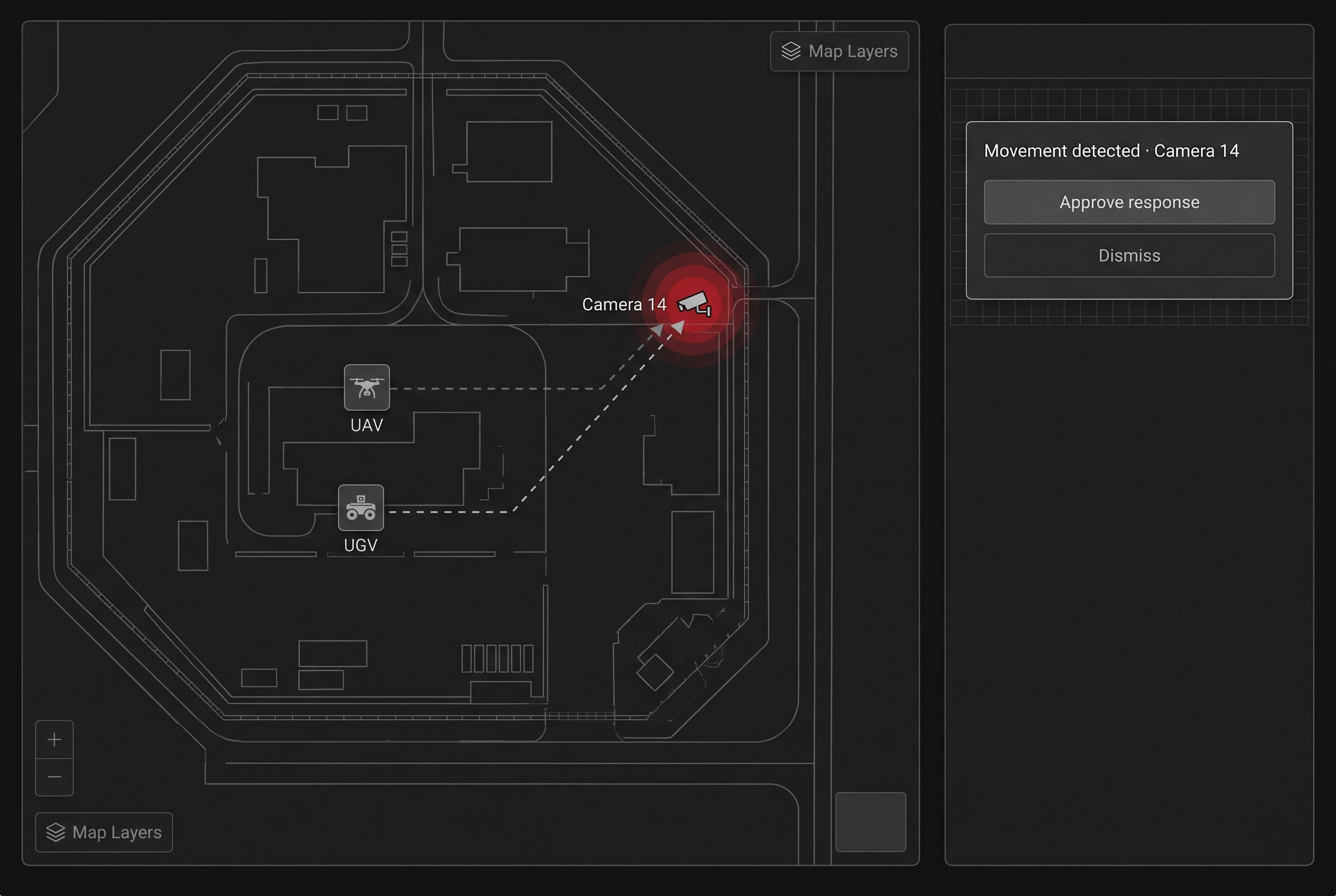
03 · Alert to action
Camera 14 flags movement.
A sensor event starts an authorised response
Omokai proposes a UAV and a UGV; the operator approves. Which assets and effects are in scope is defined with the customer.
Every mission runs the same loop
"Inspect the north perimeter and report any change."
- 01
Understand
Interpret the objective and the actions it needs.
- 02
Assets
Identify eligible and best-suited UxVs.
- 03
Plan
Apply guardrails and policies, then plan the mission.
- 04
Authorize
Operator approval before dispatch.
- 05
Execute
Orchestrate the mission and ask for instructions where required.
- 06
Results
Verify the outcome, log it, report and escalate when required.
Evaluation workflow
From mixed hardware to one coordinated mission.
Use these steps to scope an evaluation; supported interfaces and execution behavior need to be confirmed.
- 01
Connect
Identify candidate UAVs, USVs, ground robots and sensors, then review their available interfaces.
- 02
Understand
Define the tracks, detections and asset status an operator needs to review.
- 03
Act
Define mission objectives, operator approvals and limits for an agreed test scenario.
- 04
Learn
Review evaluation data and operator feedback before changing a plan.
Integrations
Connect what you already run.
Omokai sits between your command systems and your fleet, with one adapter per vendor. Interface support is confirmed per platform during evaluation.
Your command stack
C2, C3 and C4 systems
Operating picture, tasking and approvals.
Radar and surveillance
Tracks and detections.
Video and ISR feeds
Camera and sensor streams.
Mission and asset data
Plans, status and logs.
Mission layer
Omokai
- Asset registry
- Vendor adapters
- Policy and audit
- APIs
Your fleet
UAVs
Reconnaissance and response drones.
UGVs
Ground robots and vehicles.
USVs
Surface vessels for ports and coasts.
Fixed sensors
Cameras and sensor posts.
Tasking, approvals and reports return to the C2 your operators already use.
Capability packs
One core, plus capability packs as needed.
Available on Mission Control and Embedded. Switch packs on for the whole fleet or only for selected machines.
Omokai Core
- Mission model
- Asset and capability registry
- Adapters
- Mission engine
- Policy and audit
- APIs
- Omokai Mission Control: our interface
- Omokai Embedded: inside your C2 / GCS
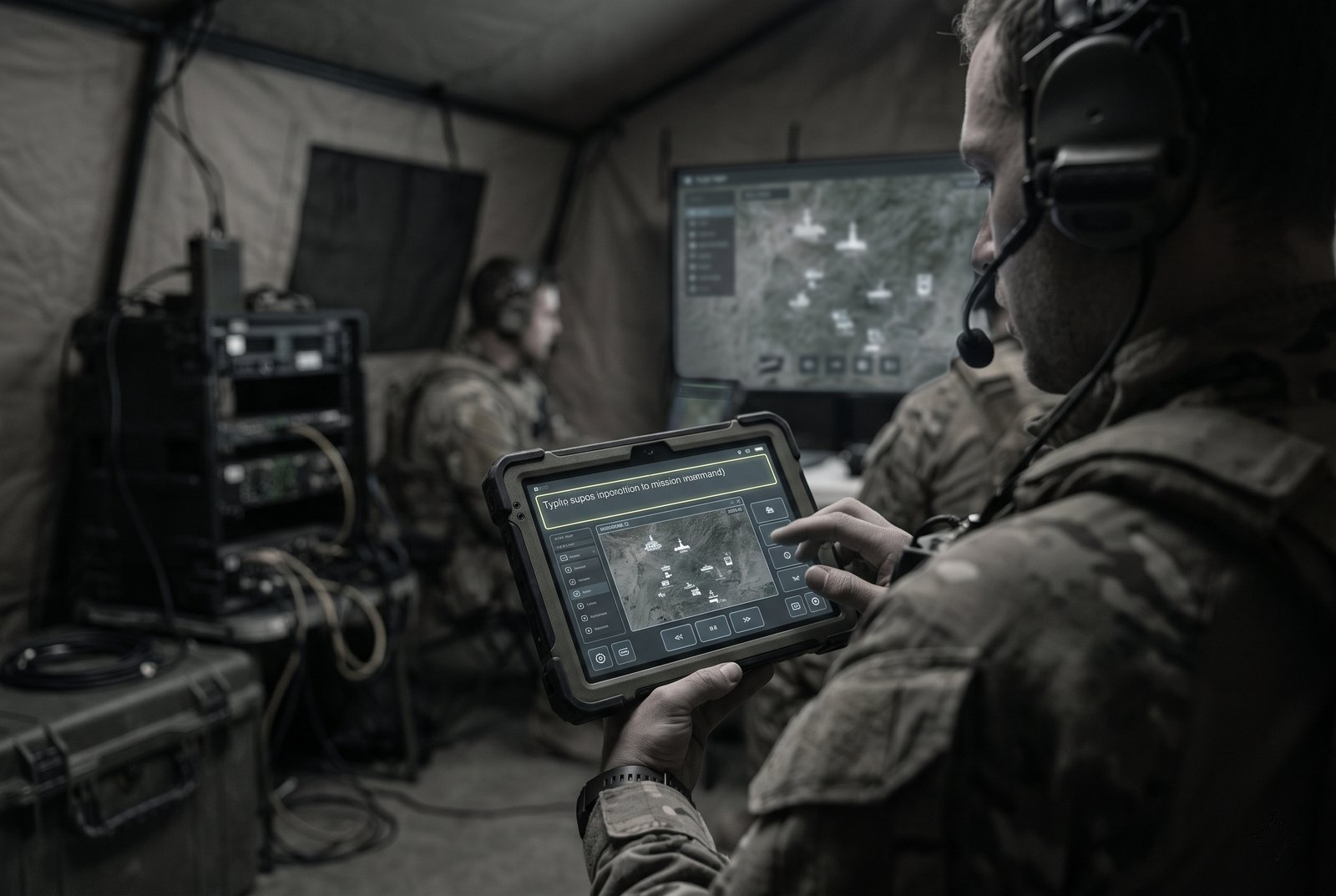
Natural language Natural language
Give missions using text prompts or voice.
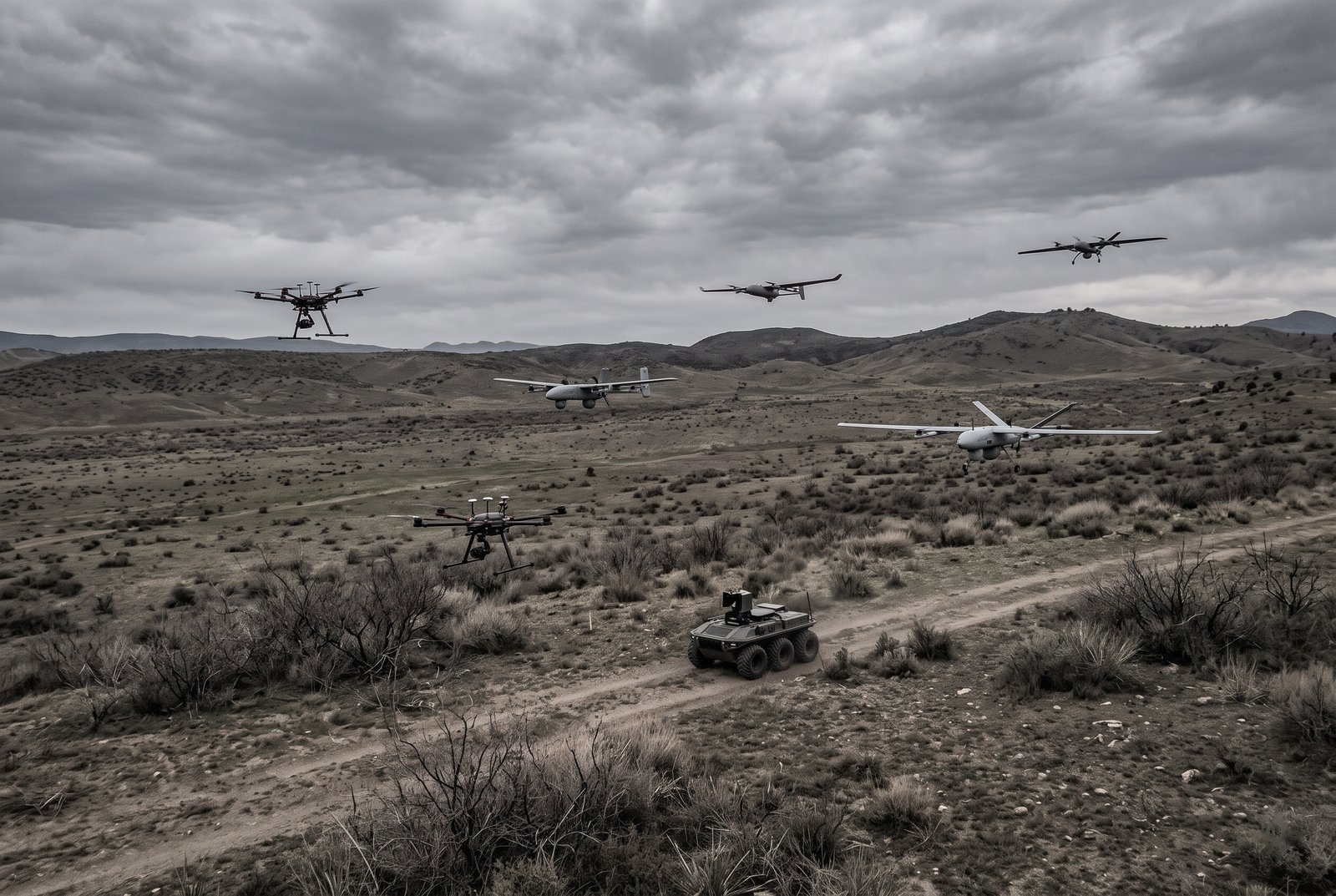
Swarm Swarm
Coordinate mixed fleets of UAVs, UGVs and USVs on one mission.
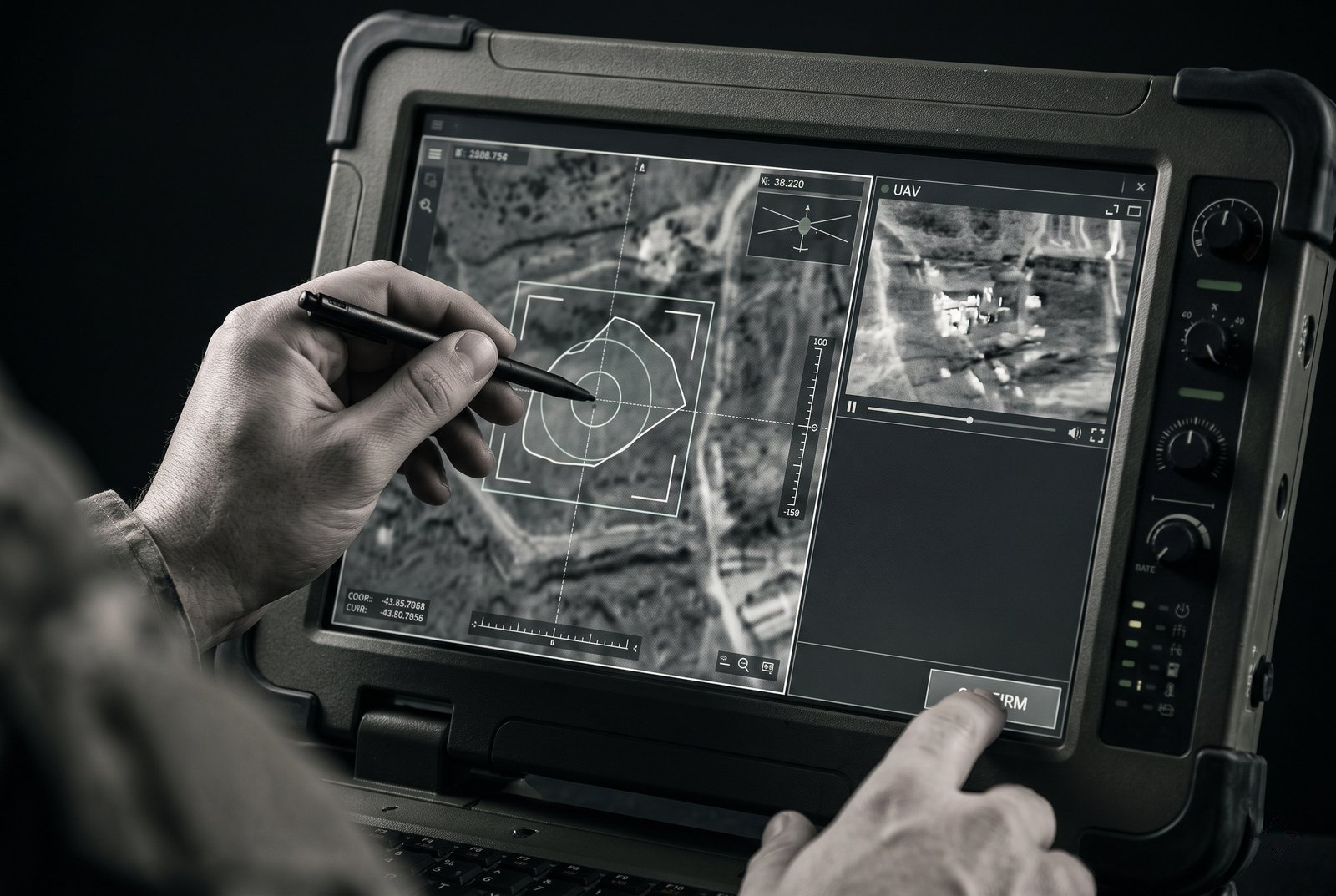
Auto targeting Scope set with customerAuto targeting
Define a target and task approved assets under operator authority.
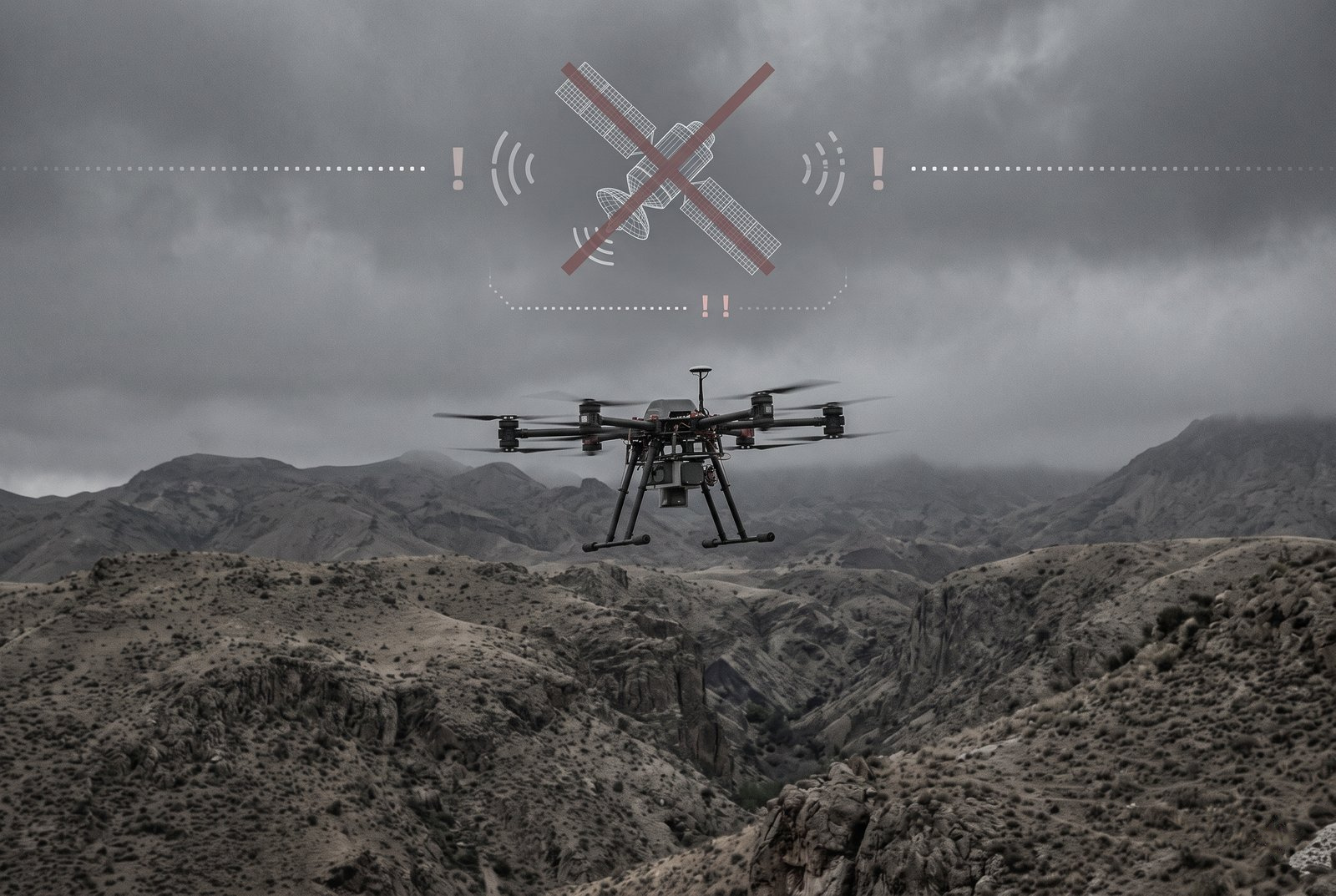
GNSS-denied navigation Per-platform evaluationGNSS-denied navigation
Navigation for contested environments, evaluated per platform.
For defense primes
Keep your C2. Offer multi-vendor fleets without a rebuild.
Omokai Embedded runs headless inside your C2, BMS or GCS, so operators keep the screens and workflow they already use. Interface support and integration effort are confirmed per programme.
Today
Every new vendor is a custom integration project.
Each vendor brings its own protocol, control software and data format, so every addition means new adapter work, new testing and a separate operator workflow. Mixed fleets stay fragmented, and primes struggle to offer multi-vendor capability without rebuilding their C2.
What primes can evaluate with Omokai
- Keep your C2, interface and customer relationship.
- Offer multi-vendor fleets without a rebuild.
- Bundle capability packs into your product.
- 01
Plug in
Runs headless inside the prime's C2. No new console.
- 02
Connect
One adapter per vendor. All assets work as one team.
- 03
Extend
Enable capability packs for the whole fleet or selected machines.
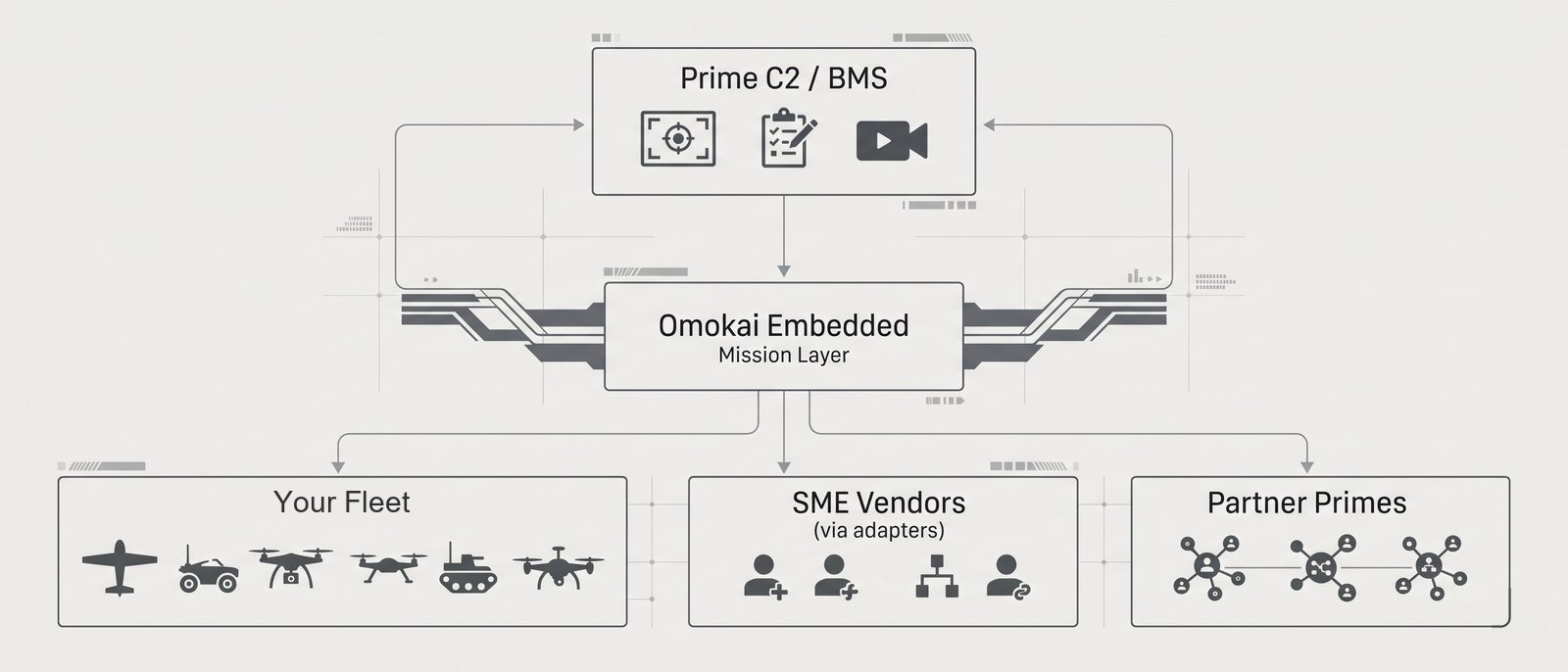
Your C2 stays owned and controlled by you. Omokai builds no vehicles.
Deployment and trust
Define deployment requirements for controlled environments.
Defense customers need to know where software runs, who controls it and what it can do on its own.
Deployment assessment
Discuss on-premises, cloud and edge requirements. Availability, including disconnected operation, must be confirmed for the proposed deployment.
Data control requirements
Agree data location, retention and access requirements before any evaluation.
Human authority requirements
Define operator approval points and logging coverage, then validate them in the agreed environment.
Interface assessment
Review available interface documentation and integration dependencies with each platform owner.
Discuss a fleet coordination evaluation.
Tell us which platforms and C2 system you run so we can discuss feasibility, scope and acceptance criteria.